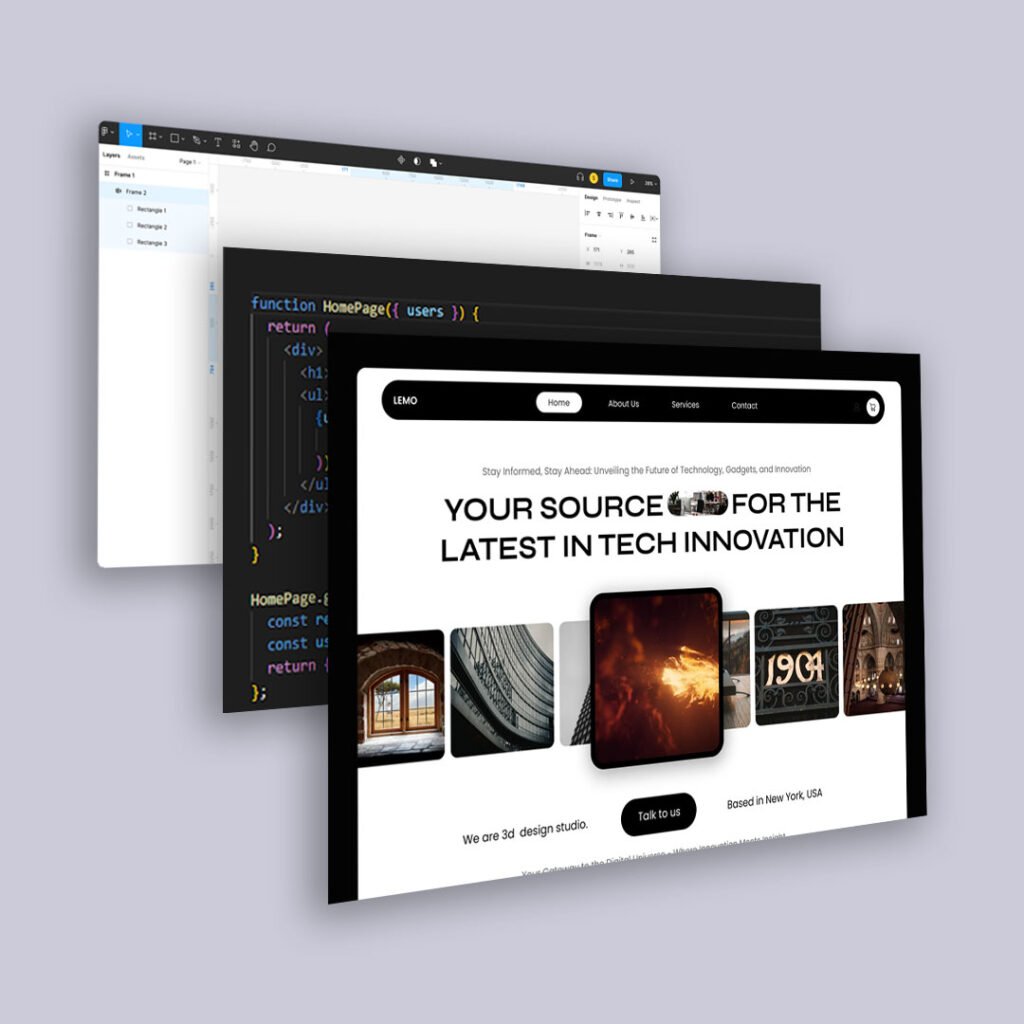
We’re no longer designing just for search engines. We’re designing for AI.
As tools like Google’s Search Generative Experience (SGE), ChatGPT plugins, and other large language model (LLM) platforms become more common, the way content is discovered, summarized, and served to users is fundamentally shifting.
It’s not enough for your website to rank. It needs to be understandable, structured, and context-rich enough for AI to pull meaningful, accurate responses from your content.
Here’s how to structure your site to make it AI-ready—while keeping human experience front and center.
1. Use Semantic HTML for Meaning, Not Just Style
AI doesn’t just crawl for keywords. It looks for meaning. That means using:
<header>,<section>,<article>,<aside>, and<footer>properly<h1>to<h3>in a clear hierarchy<ul>,<ol>, and<li>for lists that explain steps or components
This gives AI and screen readers a better understanding of your structure, and makes it easier for generative systems to summarize content or answer specific queries.
2. Write Content That Anticipates Questions
ChatGPT and SGE aren’t returning links—they’re returning answers. That means your site should:
- Use headers that are phrased like questions
- Offer concise, clear answers immediately beneath
- Follow with examples or breakdowns for depth
For example: “What Is Behavioral UX?” Answer in 2-3 sentences. Then: give a list, a chart, or a short case study.
If your content structure mimics FAQ-style formatting (without sounding robotic), you’re more likely to be selected as a snippet or a cited source.
3. Add Schema Markup to Help AI Understand Your Content Type
Structured data via Schema.org helps AI recognize what your content actually is:
- Is it a tutorial?
- A recipe?
- A service page?
- A how-to or FAQ?
Use JSON-LD to tag:
- Articles
- Products
- How-To guides
- Q&As
- FAQs
- Events
Many content builders and CMSs (like Webflow, WordPress, and Sanity) now support schema plugins or manual injection.
4. Create Modular Content Blocks (For Easy AI Extraction)
Instead of giant walls of text, break content into:
- Step-by-step instructions
- Key takeaways or bullet summaries
- Quote blocks for direct statements
LLMs like ChatGPT pull information in chunks. Modular content increases your odds of having the right chunk pulled and accurately represented.
5. Use Consistent Terminology (Especially for Niche Topics)
AI needs clarity and repetition to associate your content with a concept. That means:
- Avoiding excessive synonyms just for variety
- Using the same term for the same idea throughout the post or site
- Reinforcing your core topics (e.g., “behavioral UX,” “conversion path”) in multiple places
You’re not dumbing down—you’re training AI to associate your voice with a reliable topic area.
6. Think Answer First, Depth Second
If you’re writing blog content, the most important part isn’t the intro. It’s the answer.
Hook early with:
- A definition
- A POV
- A practical takeaway
Then expand with nuance. This mirrors how AI summarizes content and makes your site more usable for both humans and machines.
7. Don’t Forget the Human UX
AI optimization doesn’t mean sacrificing usability. In fact, the clearer your design, the more structured your content—the better the experience for everyone.
- Use legible font sizes
- Include visual hierarchy (headings, contrast, spacing)
- Make navigation intuitive and decluttered
Because AI might summarize you, but a human will still decide if they want to click.
Final Thoughts
We’re entering an era where your content might be your interface—served via chat, summaries, and AI interfaces. That means your website isn’t just a destination anymore. It’s a dataset.
Structure it accordingly. Write with clarity. Design for context.
And you’ll not only rank. You’ll resonate.