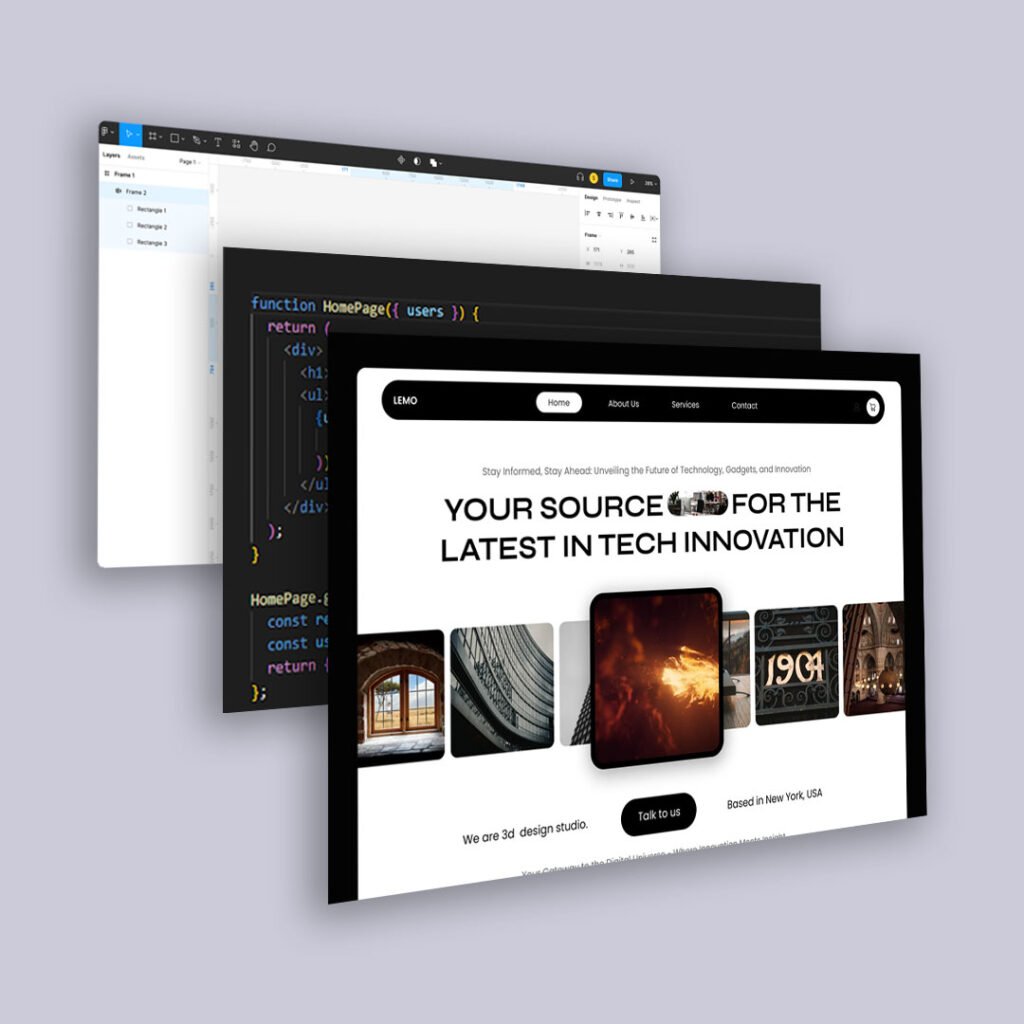
Conversations about content management often get tangled in architecture jargon—monoliths, decoupled stacks, Jamstack, microservices. Those details matter, but most organizations are really asking a simpler question:
Which CMS setup will make life easier for our editors, developers, and users—without painting us into a corner?
Let’s cut through the noise and look at the three main models through a human lens.
Traditional CMS: All-in-One and Familiar
A traditional CMS (think WordPress, Drupal in classic mode, many legacy systems) handles everything in one place: content authoring, templates, front-end rendering, and often plugins or modules.
Why teams like it
- Editors work in a familiar, WYSIWYG-style interface.
- Developers can move quickly with themes and plugins.
- There’s usually a large ecosystem of tutorials, agencies, and tools.
Where it struggles
- Front-end performance and flexibility can be limited by the platform’s architecture.
- Complex custom experiences or multi-channel delivery (web, app, kiosks, etc.) can get messy.
- Security and maintenance overhead can grow with plugins and custom code.
- Traditional CMS works well when your primary goal is managing a website rather than orchestrating content across many surfaces.
Headless CMS: Content Anywhere, Front-End Freedom
A headless CMS separates content from presentation. Editors work with structured content in an admin interface; developers consume that content via APIs and build any front-end they like (React, native apps, smart TVs, etc.).
Why teams like it
- Front-end freedom: developers can choose modern frameworks and architectures.
- Multi-channel ready: the same content can power websites, apps, in-product help, and more.
- Often easier to scale and optimize for performance.
Where it struggles
- Editors can feel disconnected from the final output, especially without good preview tools.
- Initial setup requires more engineering muscle and decisions.
- Simple marketing updates can become ticket-driven if the content model is too rigid.
Headless shines when you’re building experiences across multiple channels or need fine-grained control over performance and front-end behavior.
Hybrid CMS: A Practical Middle Ground
Hybrid systems try to offer the best of both worlds: API-first content that can be delivered headlessly, plus integrated page-building or templating tools.
Why teams like it
- Editors get visual page-building for core web experiences.
- Developers still have structured content and APIs for apps and custom front-ends.
- You can migrate toward headless patterns without abruptly abandoning the familiar.
Where it struggles
- Complexity: more features can mean a steeper learning curve.
- You still need clear governance so editors don’t turn every page into a one-off layout.
- Cost and licensing can be higher than simpler systems.
Hybrid makes sense when you’re evolving from traditional to headless and need to serve both marketing and product teams.
How to Choose for Real Humans
Instead of starting with architecture, start with people:
Editors:
- How often do they publish?
- Do they need full control over layout, or mainly content updates?
- How comfortable are they with structured content models?
Developers:
- How much capacity do they realistically have for ongoing support?
- Do they need front-end freedom to meet performance or product requirements?
- Are they maintaining one site or an ecosystem?
Users:
- Where will they interact with your content—web only, or multiple channels?
- How important are speed, reliability, and offline or app experiences?
- Once you map those needs, the choice tends to clarify:
- Mostly marketing website, fast and familiar: Traditional or a hybrid CMS with strong page-building.
- Digital product plus website, multi-channel experiences: Headless or hybrid with a clear content model.
- Long-term flexibility with gradual change: Hybrid, using headless patterns for new experiences while keeping editors productive on the web.
The “right” CMS is the one that lets your teams ship better experiences with less friction—not the one that wins the architecture argument in a conference talk.